




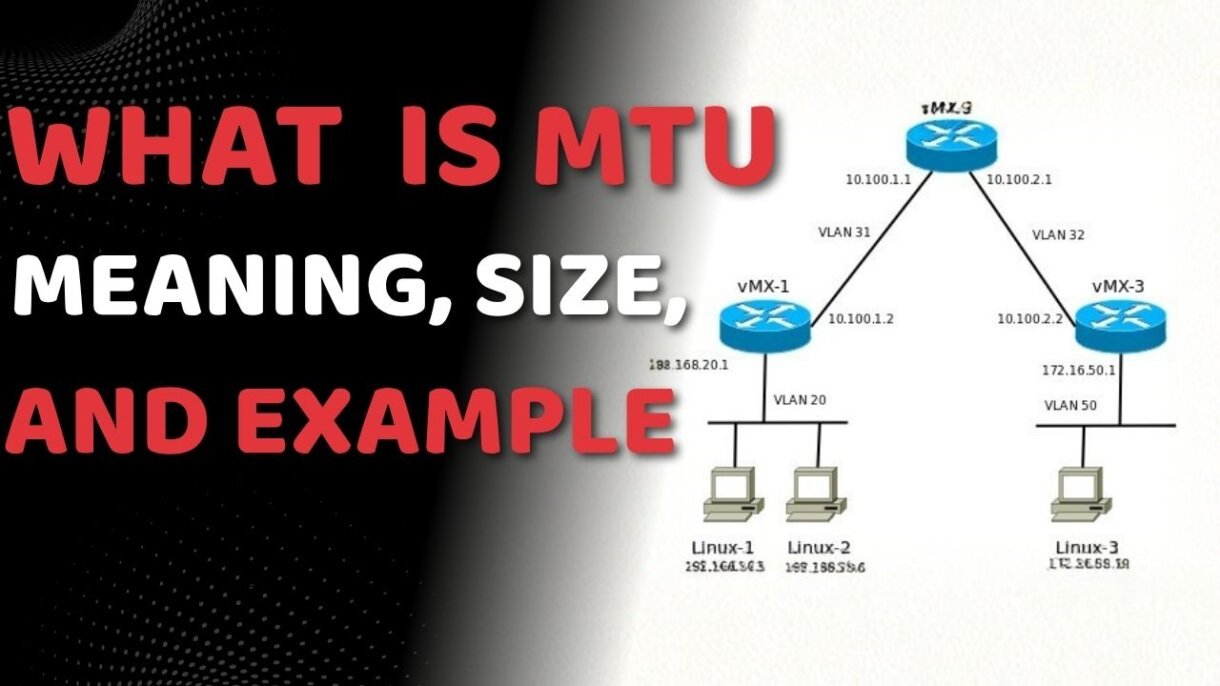
Have you ever faced slow website loading, lag while gaming, or random connection drops? One hidden reason behind this can be MTU in networking a small setting that has a big impact on how data travels across the internet.
In this guide, you’ll learn what MTU is, how it works, and why it matters for your network performance.
What Is MTU in Networking?
MTU stands for Maximum Transmission Unit. It represents the largest size of a data packet (measured in bytes) that a network-connected device can accept.
Think of MTU as a height limit for a tunnel. If a truck (data packet) is taller than the limit, it cannot pass through unless it is disassembled. In networking, this process of breaking down large packets is called fragmentation.
MTU Full Form and Meaning
The full form of MTU is Maximum Transmission Unit. Its primary role is to ensure that all devices in a communication path agree on how much data they can handle in a single “chunk.” If a packet exceeds the MTU of any router along its path, it must be fragmented or, in some cases, dropped entirely.
Standard MTU Sizes You Should Know
Different network protocols have specific MTU standards. Using the wrong size can lead to overhead and latency.
- Ethernet: 1500 bytes (The industry standard).
- PPPoE (DSL Connections): 1492 bytes.
- VPNs (IPsec/GRE): Usually 1400 bytes or lower (due to extra encryption headers).
Pro Tip: While 1500 is the standard, modern high-speed data centers often use Jumbo Frames, which allow an MTU of up to 9000 bytes to reduce CPU overhead.
Maximum Transmission Unit Example
Let’s take a simple maximum transmission unit example. So think of it as if you are sending a file over the internet. The file is large enough that it cannot be sent as a whole and is divided into smaller packets.
Now, if any packet is larger than the MTU limit, it gets split into smaller parts. The process that we are referring to here is known as fragmentation. Fragmentation simply means breaking large data into smaller pieces so it can pass through the network easily. This is quite essential in mtu in networking because it enables data to travel without errors, though too much fragmentation can slow things down.
MTU vs Packet Size
The difference between mtu vs packet size is quite simple.
| Feature | MTU (Maximum Transmission Unit) | Packet Size |
| Definition | The “ceiling” or limit allowed by the network. | The actual size of the data bundle being sent. |
| Flexibility | Usually a fixed value (e.g., 1500 for Ethernet). | Varies depending on the data (e.g., a 64-byte ping vs. 1500-byte download). |
| Role | Sets the rules for the transmission path. | The actual “cargo” traveling the path. |
| Excess Result | Causes fragmentation or packet drops. | Must stay at or below the MTU to pass through. |
So basically, MTU is the limit, while packet size is the actual data. In mtu in networking, both work together to decide how data moves across a network.
How MTU Works in Networking
The working of mtu in networking is quite simple when broken into steps:
Data is split into packets first and then sent. The packets are then checked against the MTU limit. And if a packet is within the limit, it is sent directly. But if it is not and is larger than the MTU, it gets fragmented into smaller pieces before being sent.
If you want to understand how data flows in networks before MTU comes into play, you can read What Is Networking? Everything You Need To Know About Networking.
How MTU Fragmentation Works
When a packet is too large for a network segment, the router performs fragmentation. It breaks the packet into smaller pieces, each with its own header, and sends them individually.
Why Fragmentation is Bad for Performance:
- Increased CPU Usage: Routers must work harder to split and reassemble packets.
- Higher Latency: Reassembling packets at the destination takes time.
- Packet Loss: If a single fragment is lost, the entire original packet must be retransmitted.
Understanding how data encapsulates and travels through different layers is a core requirement for any networking professional. If you’re preparing for your certifications, explore our comprehensive CCNA & CCNP Training Courses to master these concepts with hands-on labs.
How to Change and Optimize MTU Size
If you experience “packet drops” or can’t access certain websites while on a VPN, you may need to manually adjust your MTU.
- Router Settings: Most routers allow you to change the MTU under “WAN” or “Advanced Network” settings.
- Command Prompt (Windows): Use the command netsh interface ipv4 show subinterfaces to check your current limits.
- Ping Test: You can find your optimal MTU by running a ping test: ping google.com -f -l 1472. If it says “Packet needs to be fragmented,” lower the number until it passes.
Best MTU Size for Different Networks
Different networks work best with different MTU values.
- Ethernet connections usually work best at 1500 bytes
- VPN connections often need a lower MTU to avoid fragmentation
- For gaming and streaming, a stable MTU is very important to reduce lag and buffering
Why is MTU Important?
Properly configured MTU ensures:
- Reduced Latency: Essential for gaming and VoIP.
- Efficient Bandwidth: Fewer headers mean more actual data is transmitted.
- Stability: Prevents VPN “tunnels” from collapsing due to overhead.
Conclusion
MTU in networking is the invisible gatekeeper of your internet speed. Whether you are a home user trying to fix a laggy game or a network engineer optimizing a corporate WAN, getting the MTU right is essential for a healthy network.
MTU may be a small setting, but it has a massive impact on enterprise level performance. For more expert networking insights, tutorials, and professional training, visit the PM Networking.
FAQs
1. What is MTU in networking?
MTU in networking stands for Maximum Transmission Unit. It is the largest size of data packet that can be sent over a network without being broken into smaller pieces.
2. What is the standard MTU size?
The standard MTU size is usually 1500 bytes for Ethernet networks. However, some networks like PPPoE use a slightly smaller value like 1492 bytes.
3. What happens if MTU is too high?
If the MTU is too high, the data packet may not pass through the network properly and it gets fragmented. This can slow down the connection and reduce performance.

PM Networking is an emerging leader in the ed-tech space, founded by Praphul Mishra in 2020 with a vision to democratize tech education. The journey of PM Networking began as a YouTube channel with the sole purpose of sharing valuable knowledge in the fields of Networking, Cyber Security, and Cloud Computing. What started as a humble effort to educate has rapidly evolved into a comprehensive online learning platform that caters to the growing demand for specialized IT skills. PM Networking stands out in the crowded ed-tech industry by providing affordable, world-class training tailored to the needs of aspiring IT professionals. The platform is dedicated to equipping learners with the skills and knowledge required to excel in the highly competitive tech industry. Whether it’s Networking fundamentals, advanced Cyber Security protocols, or mastering the complexities of Cloud Computing, PM Networking offers a range of courses designed to cater to different levels of expertise.
0 Comments