




Ask a networking student what a firewall does and you’ll usually hear, “it blocks bad traffic.” True, but that’s like saying a car “moves.” A Palo Alto firewall goes a step further. It works out which application is talking, which user is behind it, and only then says yes or no. Simple idea, big difference in a real office, and it’s why companies keep hiring people who can run one.
What Is a Palo Alto Firewall?
Palo Alto Networks builds what’s called a next-generation firewall, or NGFW. You’ll see it sitting between the company’s internal LAN and the internet, and every packet going in or out has to get past it. The software inside is PAN-OS, and that’s what you log in to whenever you configure something.
Older firewalls were fairly basic. They looked at the IP address and the port number, and that was about it. Picture a guard at an office gate who only checks the vehicle number. He doesn’t ask who is inside or what they’re carrying. A Palo Alto firewall does ask.
Traditional Firewall vs Palo Alto NGFW
| Point | Traditional Firewall | Palo Alto NGFW |
|---|---|---|
| Decides based on | IP address, port, protocol | Application, user and content, plus IP and port |
| Application visibility | Sees only “port 443” | Identifies the real application, like Zoom or Facebook |
| User awareness | Mostly IP based | Rules can be made for users and groups |
| Threat protection | Often separate devices | Antivirus, anti-spyware, URL filtering built in |
| Management | Device by device | One console with Panorama |
Key Features of a Palo Alto Firewall
App-ID. Here’s the problem it solves. Almost everything runs on port 443 these days, so Zoom, YouTube and some random file-sharing site all look the same to an old firewall. App-ID looks past the port and finds the actual application. You can allow Zoom for meetings and block a game, even though both use the same port. For deeper checks on encrypted traffic, SSL decryption has to be turned on.
User-ID. IP addresses change. Usernames don’t. User-ID connects the two, usually through Active Directory, so a rule can say “accounts team can reach the finance server, everyone else can’t.” That’s far easier than tracking who has which IP today.
Content-ID. Allowed doesn’t always mean safe. Content-ID inspects the traffic that has been permitted and looks for malware, exploits, bad websites and data that shouldn’t be leaving the network.
WildFire. Got a file nobody has seen before? WildFire sends it to a cloud sandbox and runs it there to see what it does. If it turns out to be malware, that verdict is shared, and other firewalls start blocking it too.
Panorama. Managing one firewall is easy. Managing twenty branch offices is not. Panorama gives you a single console for all of them.
GlobalProtect. This is the VPN part. Someone working from home connects through it and still follows the same security rules as they would in the office.
How Traffic Flows Through the Firewall
Every interface is assigned to a zone. Common ones are Trust, Untrust and DMZ. Rules are written between zones, like “Trust to Untrust.” Say a user in the Trust zone opens a website. The firewall identifies the application, checks it against the security policy, runs security profiles such as antivirus and URL filtering, and forwards the traffic if all looks fine.
And if no rule allows traffic between two different zones? It’s dropped. That’s the default, which is why a fresh firewall feels strict until you start opening things up.
Where Are Palo Alto Firewalls Used?
Banks, hospitals, IT and BPO companies, data centres, government offices. Basically anywhere a data leak would be a real headache.
Palo Alto Firewall Career Scope
Somebody has to configure these firewalls, watch the logs, and fix things when a new rule accidentally breaks something. That’s the job. Roles you’ll come across:
- Network Security Engineer
- Firewall Engineer
- Security Administrator
- SOC Analyst
- Network Support Engineer (security)
Firewall skills also lead into wider cybersecurity roles, because most security jobs need you to understand how traffic is controlled.
What to Learn First
Don’t jump straight into Palo Alto. The basics come first, otherwise the firewall settings won’t make sense.
- Networking basics: OSI model, IP addressing, subnetting, routing and switching.
- Firewall concepts: zones, security policies, NAT and VPN.
- Palo Alto specifics: App-ID, User-ID, Content-ID, GlobalProtect, Panorama and troubleshooting.
- Lab practice: build policies yourself and break them on purpose.
If you’re starting from zero, a CCNA course is the best first step.
Frequently Asked Questions
1. What is a Palo Alto firewall?
It’s a next-generation firewall that controls traffic based on applications, users and content, not just IP addresses and ports.
2. What is PAN-OS?
PAN-OS is the operating system on Palo Alto firewalls. Policies, interfaces and monitoring are all handled through it.
3. How is an NGFW different from a normal firewall?
A normal firewall filters by IP, port and protocol. An NGFW also knows the application, the user and the content, so threats hiding behind an allowed port get caught.
4. Is Palo Alto better than FortiGate?
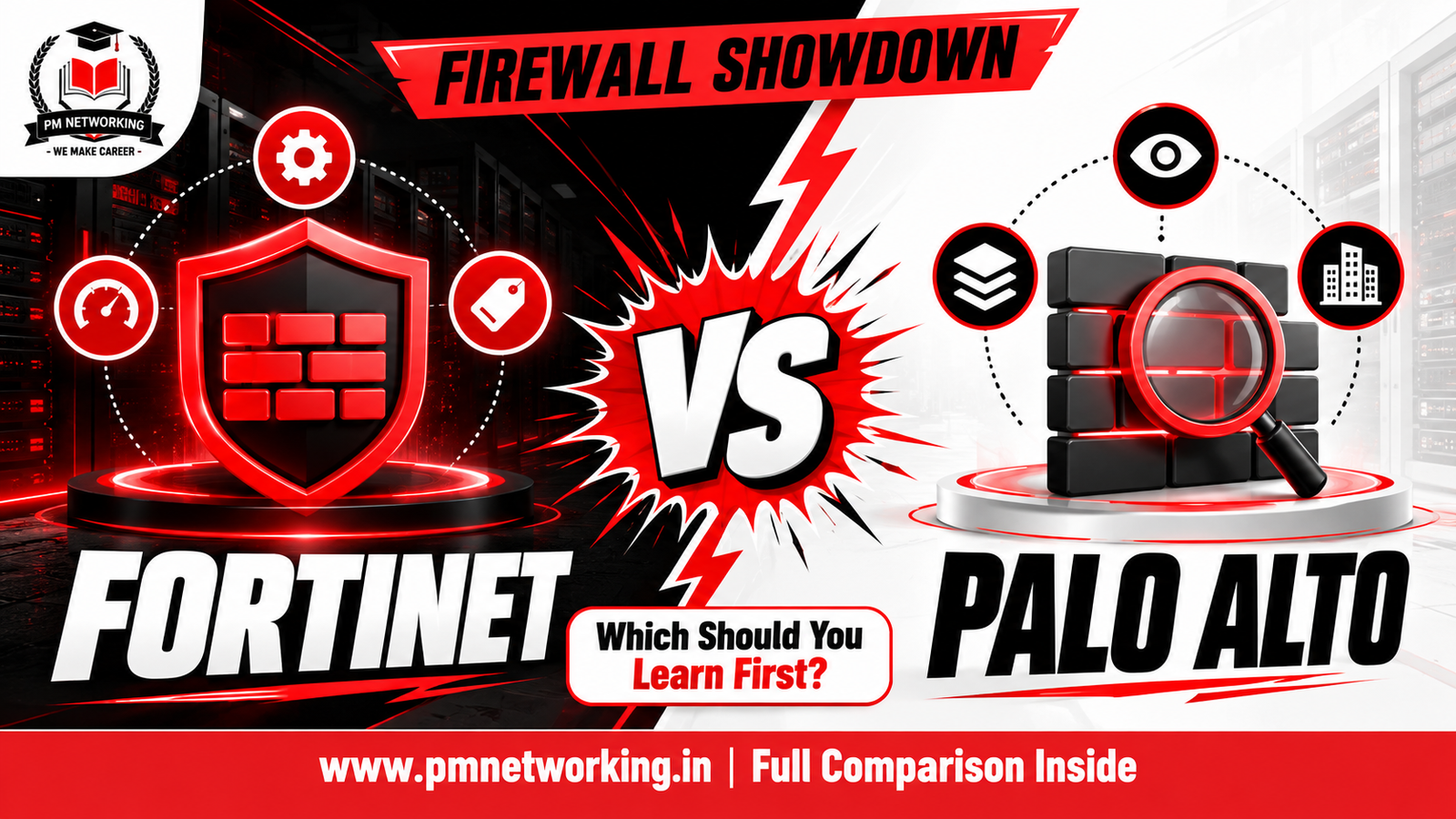
Depends on the situation. Palo Alto is known for deep application visibility, while FortiGate is popular for its price-to-performance balance. Plenty of engineers learn both, and you can look at our FortiGate firewall training too.
5. Do I need CCNA before learning Palo Alto?
Not officially, but it helps a lot. If IP addressing and routing are still confusing, firewall rules will feel much harder than they need to.
6. Which Palo Alto certification should I go for?
The old PCNSA and PCNSE exams have been retired, and Palo Alto Networks now uses role-based certifications, with NGFW Engineer as the main one for firewall engineers. Check the official Palo Alto Networks website for the latest exam details before you book anything.
7. Can a fresher learn Palo Alto firewall?
Yes, as long as the networking basics are in place. Most freshers do CCNA first and then move to firewall training.
Conclusion
A Palo Alto firewall does a lot more than allow and block ports. It understands applications, users and threats, and that’s what makes it valuable in real networks. If your networking basics are ready and you want hands-on practice with policies, NAT, VPN and troubleshooting, take a look at the Palo Alto Firewall course at PM Networking.

PM Networking is an emerging leader in the ed-tech space, founded by Praphul Mishra in 2020 with a vision to democratize tech education. The journey of PM Networking began as a YouTube channel with the sole purpose of sharing valuable knowledge in the fields of Networking, Cyber Security, and Cloud Computing. What started as a humble effort to educate has rapidly evolved into a comprehensive online learning platform that caters to the growing demand for specialized IT skills. PM Networking stands out in the crowded ed-tech industry by providing affordable, world-class training tailored to the needs of aspiring IT professionals. The platform is dedicated to equipping learners with the skills and knowledge required to excel in the highly competitive tech industry. Whether it’s Networking fundamentals, advanced Cyber Security protocols, or mastering the complexities of Cloud Computing, PM Networking offers a range of courses designed to cater to different levels of expertise.
0 Comments