



A DNS timeout means the client did not receive a usable DNS reply before its deadline. Start by querying the configured resolver directly. Then compare a second device and, where permitted, a second resolver. Keep the hostname and record type the same so the results point to the part of the path that needs attention.
1. Check what the client actually received
A timeout means no usable reply arrived in time. NXDOMAIN is a reply saying the name does not exist. SERVFAIL is a reply saying the resolver could not complete the lookup. These symptoms lead to different checks. Record the exact error, affected hostname, time and network before changing settings.
If only the browser fails, check whether Secure DNS, a VPN, or a proxy sends its requests through a different resolver. On Windows, ipconfig /all shows DNS servers assigned to each adapter. On Linux systems using systemd-resolved, resolvectl status shows per-link DNS settings.
2. Query the configured resolver directly
Replace 192.0.2.53 with the resolver IP shown on the affected device. The IP below is a documentation example. Use a public hostname as a control and repeat with the affected hostname against the appropriate resolver.
nslookup -type=A example.com 192.0.2.53
dig @192.0.2.53 example.com A +time=2 +tries=1
Run the same query from another device on the same network. If only one device times out, start with its adapter, VPN routes and local security policy. If both time out, check reachability and the shared network path, then check whether the resolver is listening and accepting queries from that subnet.
3. Compare UDP and TCP on port 53
dig @192.0.2.53 example.com A +notcp +ignore +time=2 +tries=1
dig @192.0.2.53 example.com A +tcp +time=2 +tries=1
The first command sends the test over UDP without retrying a truncated reply over TCP. The second forces TCP. If TCP works while UDP times out, inspect UDP rules, return traffic and packet loss. If UDP works while TCP fails, check TCP filtering or the resolver listener. A truncated UDP response can require TCP, so TCP failures may affect only some lookups. See the DNS port 53 guide for the transport basics.
4. Separate a resolver outage from a domain issue
If your network policy permits it, compare the same public hostname against a second approved resolver. Keep private company hostnames on the authorized internal resolver. If the configured resolver answers the public control but fails for one domain, check its forwarding rules, upstream replies and resolver logs for that domain. If it returns SERVFAIL, investigate the returned error and upstream resolution before changing the client. Cloudflare’s DNS troubleshooting guide explains how to distinguish cache behavior from authoritative record problems.
Worked example: The resolver answers over TCP only
Two office laptops time out when querying the same resolver over UDP, while both receive an answer when the same query is forced over TCP. That narrows the investigation to UDP handling on the shared path or resolver. Check the client VLAN rules and the resolver logs for the test time. If the resolver sees no query, work toward it from the client side. If it receives the query and sends a reply, check whether that reply reaches the client.
Verify the fix from the affected device
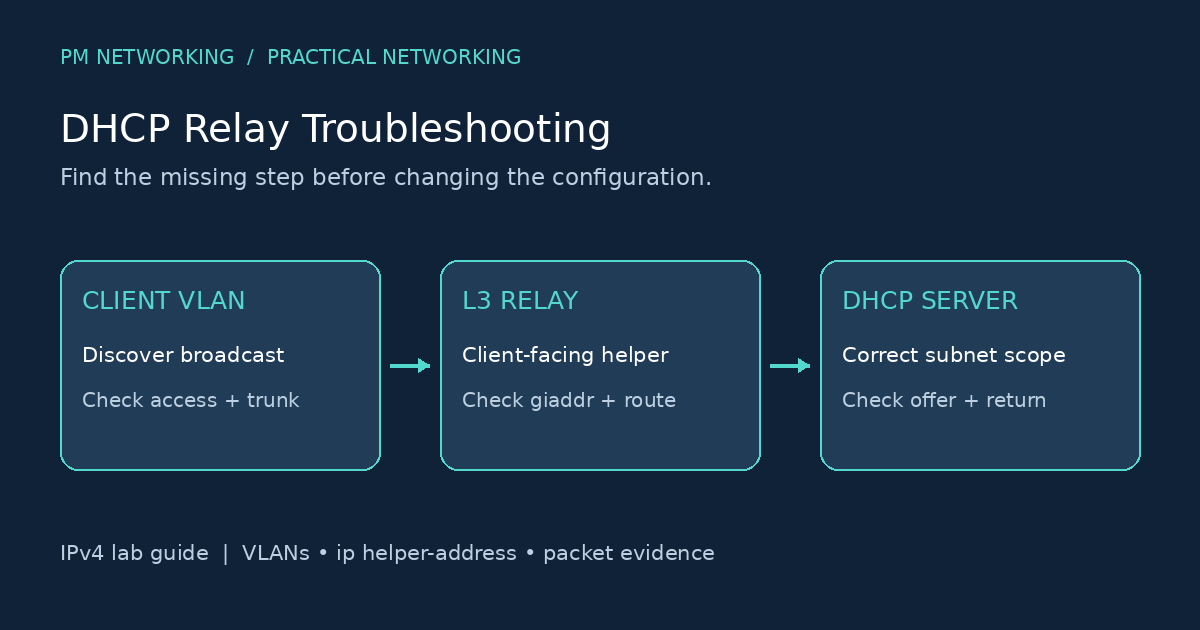
Repeat the original query from the affected client using the normal application and resolver. Check the affected hostname and the public control. Record the resolver IP, response status, query time and network path so the next engineer can reproduce the result. If the device has no valid IP address or gateway, use the DHCP relay troubleshooting guide to restore connectivity before continuing DNS tests.
Cover photo by Brett Sayles via Pexels.

PM Networking is an emerging leader in the ed-tech space, founded by Praphul Mishra in 2020 with a vision to democratize tech education. The journey of PM Networking began as a YouTube channel with the sole purpose of sharing valuable knowledge in the fields of Networking, Cyber Security, and Cloud Computing. What started as a humble effort to educate has rapidly evolved into a comprehensive online learning platform that caters to the growing demand for specialized IT skills.PM Networking stands out in the crowded ed-tech industry by providing affordable, world-class training tailored to the needs of aspiring IT professionals. The platform is dedicated to equipping learners with the skills and knowledge required to excel in the highly competitive tech industry. Whether it’s Networking fundamentals, advanced Cyber Security protocols, or mastering the complexities of Cloud Computing, PM Networking offers a range of courses designed to cater to different levels of expertise.
0 Comments