


If you’ve started learning networking or you’re preparing for your CCNA certification, you’ve probably come across the term VLAN more times than you can count. It shows up in Cisco switch configurations, job interviews, and real office networks. But what is VLAN actually doing, and why does almost every network engineer rely on it?
Let’s break it down in plain language.
What Is VLAN?
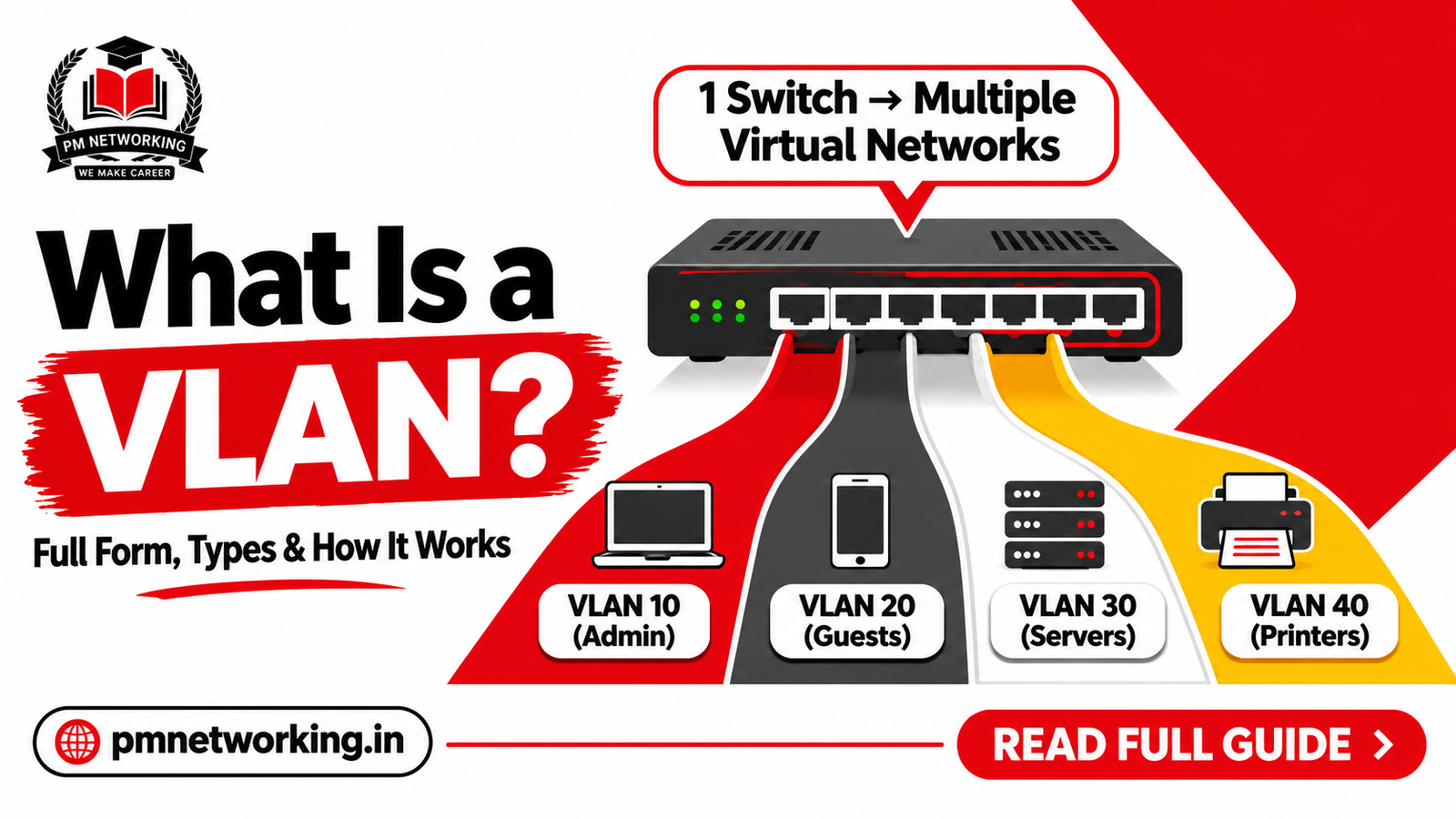
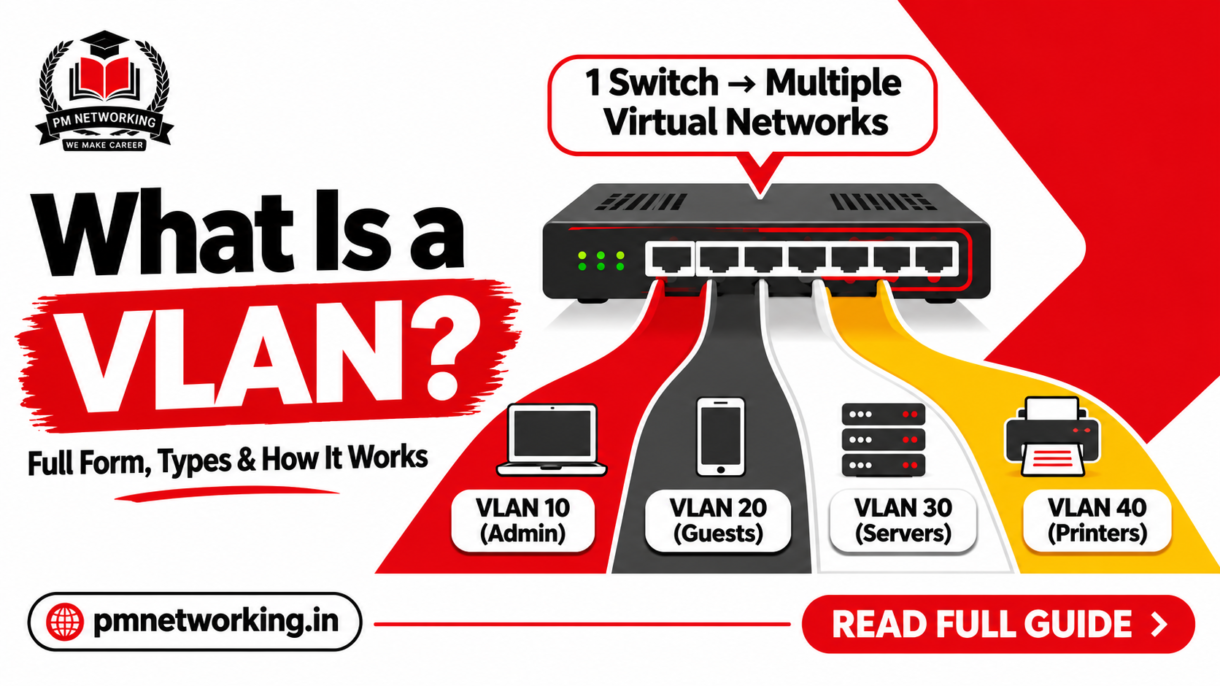
VLAN stands for Virtual Local Area Network. It’s a way of logically dividing a single physical network into multiple separate networks, without running new cables or buying new switches.
Normally, every device connected to the same switch is part of one big broadcast domain — meaning every broadcast packet reaches every device. A VLAN splits that single switch (or group of switches) into smaller, isolated groups. Devices in one VLAN can’t directly see or talk to devices in another VLAN unless a router or Layer 3 switch allows it.
Think of a large office building with no internal walls — sound and movement travel everywhere. VLANs are like adding internal walls: HR, Accounts, and IT still share the same building (the physical switch), but each department now has its own private space.
Why Is VLAN Used in Networking?
Here’s what is VLAN and why it is used, in practical terms:
- Reduces broadcast traffic — fewer devices per broadcast domain means less unnecessary traffic and better network performance
- Improves security — sensitive departments (like finance or servers) can be isolated from general staff traffic
- Simplifies network management — you can group devices by function (Sales, IT, Guest Wi-Fi) instead of by physical location
- Saves hardware cost — one switch can serve multiple departments without buying separate switches for each
- Supports flexible office moves — if an employee changes desks, you just change their VLAN assignment, not the cabling
This is one of the first practical, real-world concepts covered in any solid CCNA course, because almost every enterprise network you’ll ever work on uses VLANs.
How Does VLAN Work?
Every VLAN is assigned a unique VLAN ID, a number between 1 and 4094. When a switch port is assigned to a VLAN, any device plugged into that port becomes part of that VLAN’s broadcast domain.
Here’s the basic flow:
- The switch port is configured and assigned a VLAN ID
- A device connects to that port and automatically becomes a member of that VLAN
- Traffic from that device stays within its VLAN unless it needs to cross to another VLAN
- If inter-VLAN communication is needed, a router or Layer 3 switch handles the routing between VLANs
VLANs operate primarily at Layer 2 (Data Link Layer) of the OSI model, though inter-VLAN routing brings Layer 3 into play. If you want the full picture of how these layers interact, our guide on how OSI and TCP/IP models work together explains it in detail.
VLAN Tagging and Trunking
When traffic from multiple VLANs needs to travel across a single link (for example, between two switches), it uses a trunk port. Each frame gets “tagged” with its VLAN ID using the 802.1Q standard, so the receiving switch knows which VLAN that frame belongs to. Without tagging, switches wouldn’t be able to tell VLANs apart once frames start crossing shared links.
Types of VLAN in Networking
There are several types of VLAN in networking, each serving a different purpose:
| VLAN Type | Purpose |
|---|---|
| Default VLAN | VLAN 1 — exists automatically on all Cisco switches unless changed |
| Data VLAN | Carries regular user-generated traffic (emails, file transfers, browsing) |
| Voice VLAN | Dedicated to VoIP traffic, prioritized for call quality |
| Management VLAN | Used to access and manage the switch itself (SSH, web interface) |
| Native VLAN | Carries untagged traffic across a trunk link |
| Guest VLAN | Isolated network for visitors, separate from internal company traffic |
In a real office setup, it’s common to see Data, Voice, and Management VLANs all running on the same switch, each completely isolated from the others.
What Is VLAN ID?
The VLAN ID is simply the number that identifies a specific VLAN — valid range is 1 to 4094, though VLANs 1002–1005 are reserved for legacy protocols on Cisco switches. For example, you might set up VLAN 10 for Sales, VLAN 20 for Accounts, and VLAN 30 for IT. These numbers are how switches and trunk links keep each VLAN’s traffic separate and identifiable.
VLAN vs No VLAN: A Quick Example
Imagine an office with 60 employees across Sales, HR, and IT, all connected to the same switch with no VLANs configured. Every broadcast — ARP requests, DHCP discovery packets — reaches all 60 devices, even though most of them have nothing to do with each other. It’s noisy, slower, and less secure.
Now split that into three VLANs: Sales (VLAN 10), HR (VLAN 20), IT (VLAN 30). Broadcasts now stay within their own 15-20 device group. Traffic is lighter, and if someone in Sales gets a virus that tries to scan the network, it can’t automatically reach HR’s devices.
Frequently Asked Questions
1. What is VLAN in simple words?
A VLAN is a way to split one physical network into multiple virtual networks, so groups of devices can be logically separated even if they’re connected to the same switch.
2. What is the difference between VLAN and a normal LAN?
A LAN is a physical network of connected devices. A VLAN is a logical subdivision within that LAN — it uses the same physical hardware but creates separate, isolated broadcast domains.
3. How many VLANs can a switch have?
A standard Cisco switch supports VLAN IDs from 1 to 4094, but the practical number depends on the switch model and its hardware VLAN table limits — most access-layer switches comfortably handle a few hundred.
4. Can VLANs communicate with each other?
Not directly. Two devices on different VLANs need a router or a Layer 3 switch to route traffic between them — this is called inter-VLAN routing.
5. Is VLAN configuration part of the CCNA syllabus?
Yes. VLANs, trunking, and inter-VLAN routing are core topics in the CCNA 200-301 exam, and you’ll configure them hands-on in almost every networking job.

PM Networking is an emerging leader in the ed-tech space, founded by Praphul Mishra in 2020 with a vision to democratize tech education. The journey of PM Networking began as a YouTube channel with the sole purpose of sharing valuable knowledge in the fields of Networking, Cyber Security, and Cloud Computing. What started as a humble effort to educate has rapidly evolved into a comprehensive online learning platform that caters to the growing demand for specialized IT skills. PM Networking stands out in the crowded ed-tech industry by providing affordable, world-class training tailored to the needs of aspiring IT professionals. The platform is dedicated to equipping learners with the skills and knowledge required to excel in the highly competitive tech industry. Whether it’s Networking fundamentals, advanced Cyber Security protocols, or mastering the complexities of Cloud Computing, PM Networking offers a range of courses designed to cater to different levels of expertise.
0 Comments