

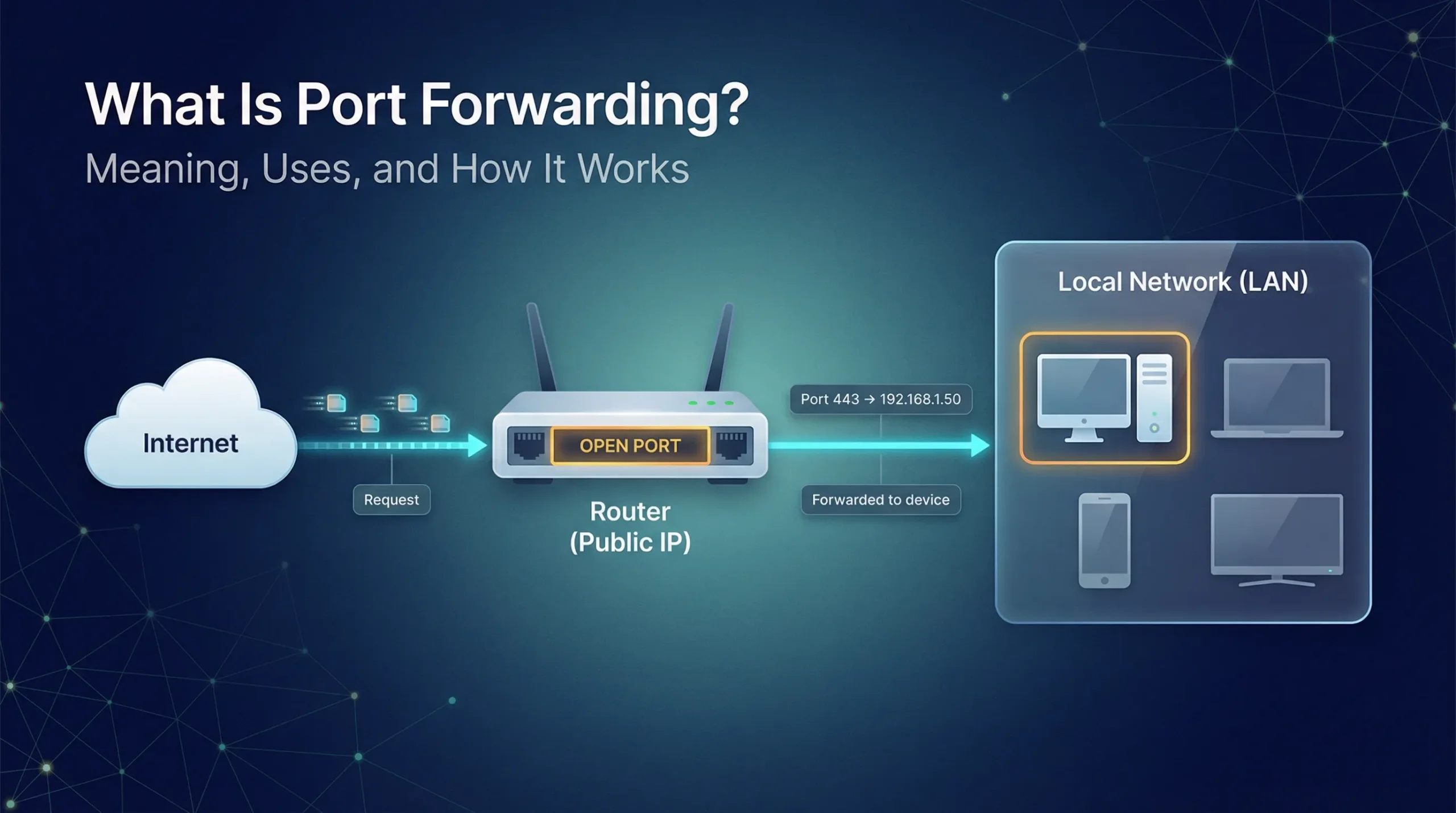

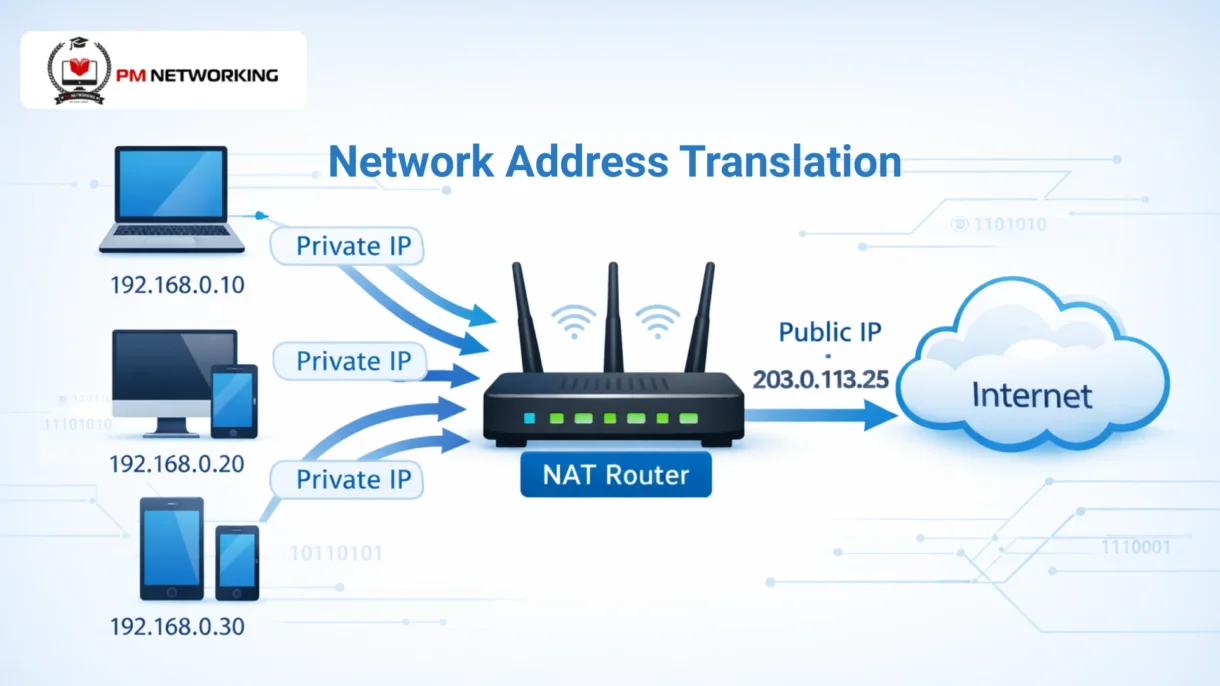
Network Address Translation, or NAT, is a method used in networking to change one IP address into another. It usually converts private IP addresses used inside a network into a public IP address used on the internet.
NAT is important because public IP addresses are limited. It allows many devices to share one public IP, which helps keep the internet running smoothly.
If you’re wondering what is NAT in networking, think of it as a translator. In NAT in computer networks, your router translates private IPs from your devices so they can communicate with the internet easily and safely.
What Is Network Address Translation (NAT)?
NAT in networking means changing IP addresses when data moves between a private network and the internet. It helps devices with private IPs connect to public networks.
When a device sends data, NAT replaces its private IP with a public IP. When the reply comes back, NAT changes it again and sends it to the right device.
NAT is used in home Wi-Fi routers, office and enterprise networks, and by internet service providers (ISPs). If you use the internet at home or work, NAT is already working for you.
Why Is NAT Used in Computer Networks?
IPv4 has a limited number of IP addresses. With so many devices connected to the internet, these addresses started running out.
NAT helps save IP addresses by allowing many devices to use one public IP. This makes better use of the limited IPv4 space.
NAT hides internal device IP addresses from the internet. This gives basic protection by blocking direct access from outside users.
Real-world example
Your home Wi-Fi router uses NAT. All your devices use private IPs, and the router uses one public IP to connect them to the internet.
Check out our detailed comparison of IPv4 vs IPv6
How NAT Works
Inside local is the private IP address of a device inside your network, like your phone or laptop. Inside global is the public IP address that NAT uses to represent that device on the internet. Outside local is how an external server appears to your network, while outside global is the real public IP of that server.
NAT uses a translation table stored in the router. This table keeps track of which private IP and port are linked to which public IP and port. It helps the router know exactly where to send the data when a response comes back.
Before NAT, data packets leave a device with a private IP address. NAT changes this private IP to a public IP before sending the data to the internet. When the reply comes back, NAT reverses the process and delivers the data to the correct device.
Types of NAT in Networking
Static NAT
Static NAT creates a one-to-one mapping between a private IP and a public IP. The same public IP is always used for the same internal device.
It is commonly used for servers that must always be reachable from the internet. The advantage is reliability, but the limitation is that it wastes public IP addresses.
Dynamic NAT
Dynamic NAT uses a pool of public IP addresses. When a device needs internet access, it is temporarily given a public IP from the pool.
This type is used when there are fewer public IPs than internal devices. However, if the pool runs out, new connections cannot be made.
PAT (Port Address Translation)
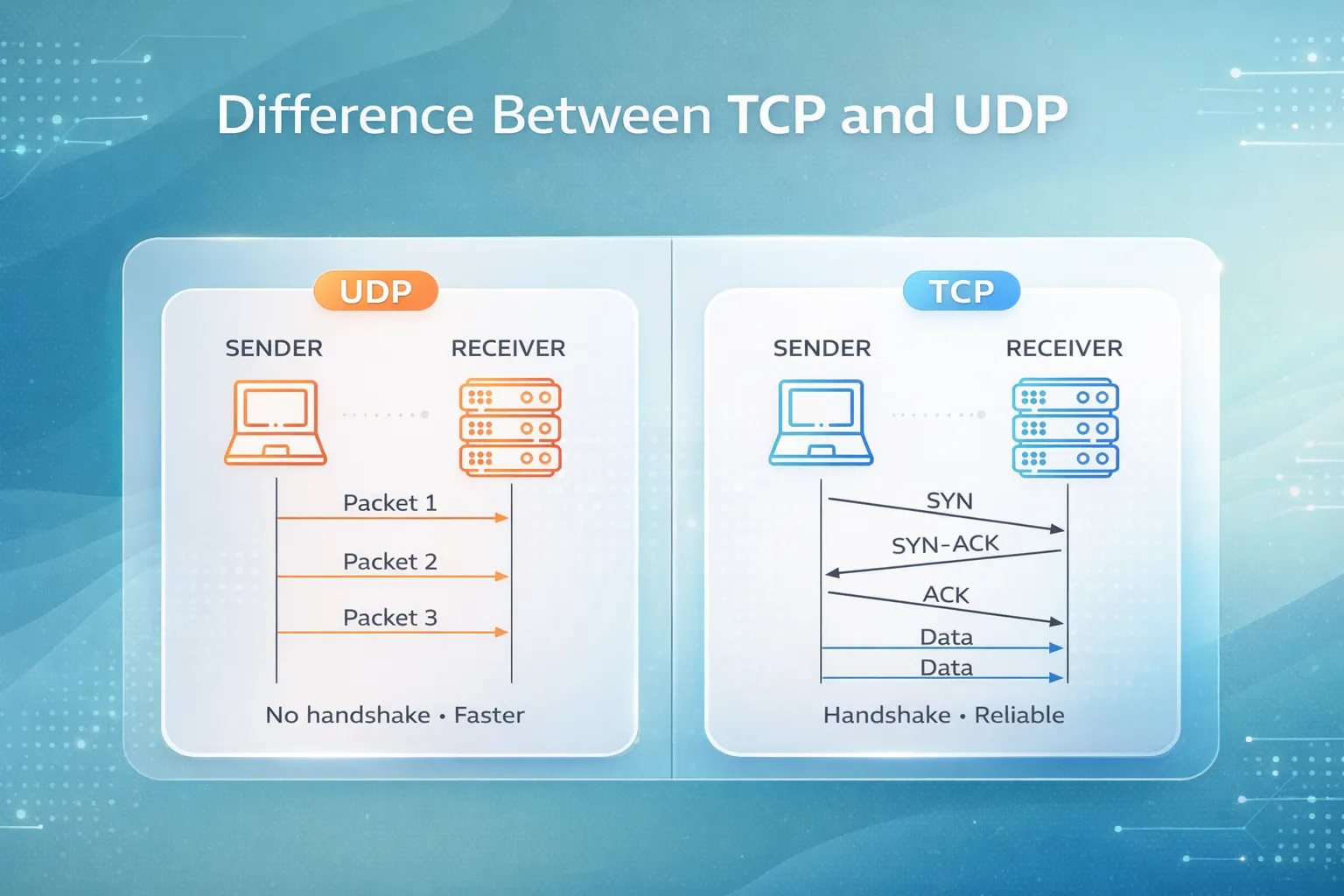
PAT allows many devices to share one public IP address. It uses different port numbers to track each connection.
PAT is the most commonly used type of NAT because it saves IP addresses and works well for home and office networks.
Want to master advanced NAT configurations? Explore our Cisco ASA Firewall Complete Course where we cover Static NAT, Dynamic NAT, PAT, Manual NAT, and Auto NAT in depth!
Advantages of NAT
- Saves IP addresses – NAT lets many devices share a single public IP, so we don’t run out of addresses.
- Adds basic security – It hides internal device IPs from the internet, making it harder for outsiders to directly access your devices.
- Simplifies internal network management – You can use private IPs freely inside your network without worrying about public IP assignments.
Disadvantages and Limitations of NAT
- Performance issues – NAT adds extra processing to translate addresses, which can slightly slow down network traffic.
- Problems with end-to-end connectivity – Some applications need direct connections between devices, and NAT can interfere with that.
- Issues with VoIP, VPNs, and P2P apps – NAT can cause problems for voice calls, VPN tunnels, and file-sharing apps unless special settings are used.
NAT vs Public IP vs Private IP
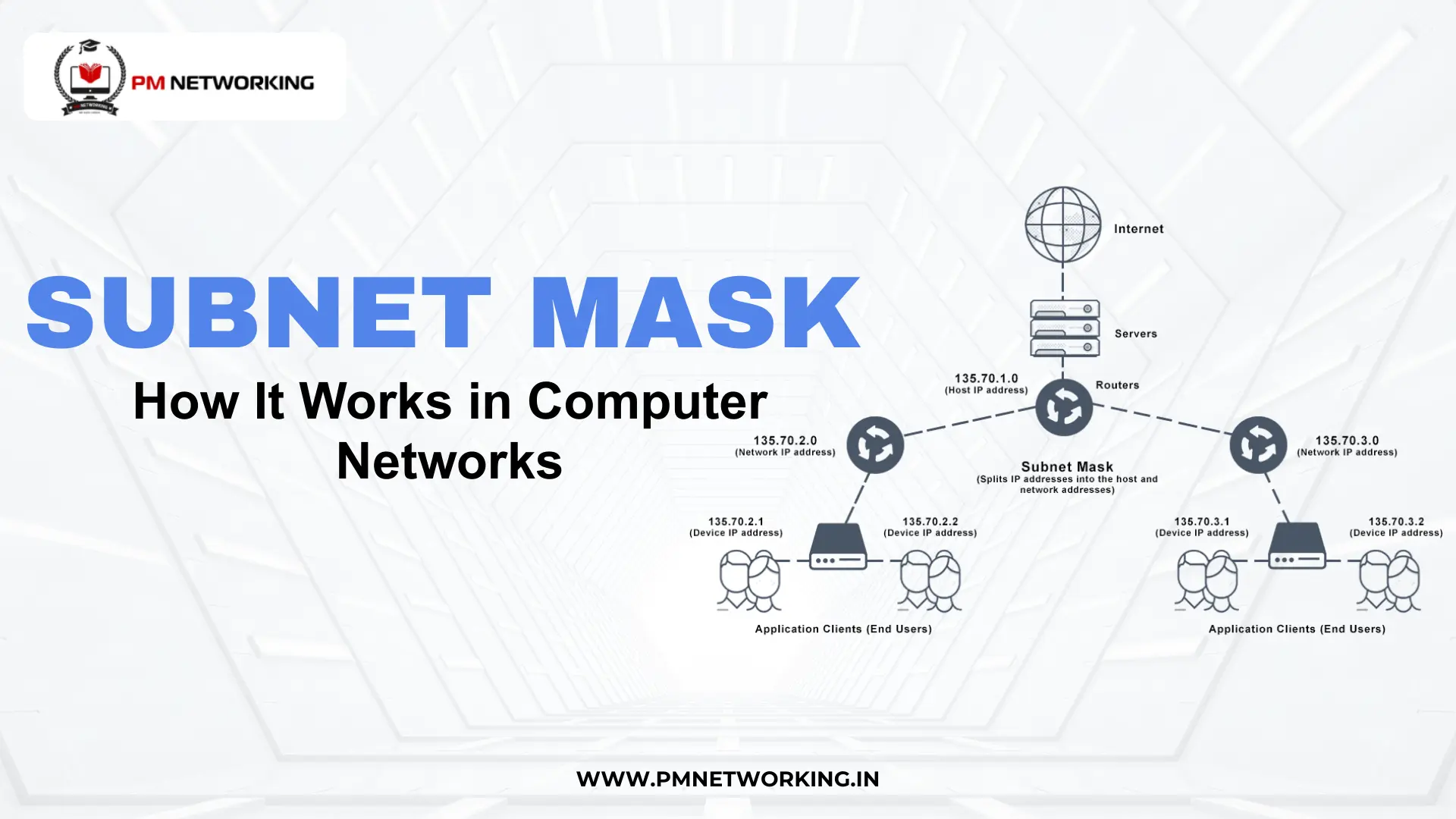
Private IP addresses are used inside a network, like your home Wi-Fi. They are not visible on the internet. Public IP addresses are used on the internet and must be unique so devices can communicate globally.
NAT acts as a bridge between private and public networks. It changes private IPs into public IPs when sending data out and converts them back when data returns, allowing multiple devices to use one public IP.
| Feature | Private IP | Public IP | NAT |
| Used Where | Inside network | On the internet | Inside routers/firewalls |
| Visibility | Not visible outside | Visible globally | Translates between both |
| Uniqueness Needed | Only in local network | Must be unique globally | Tracks translations |
| Main Purpose | Internal communication | External communication | Save IPs & provide access |
NAT and IPv6: Is NAT Still Required?
IPv6 has a huge number of IP addresses, so technically NAT is not needed. Each device can have a unique global IP.
With IPv6, NAT is less important because every device can communicate directly over the internet using its global address.
In the future, NAT will still exist for IPv4 networks, but as IPv6 adoption grows, its role may reduce significantly.
NAT for CCNA and Networking Students
NAT is a major and important topic for the CCNA exam. Understanding NAT types, how it works, and basic configuration is often tested.
Common CCNA NAT questions
CCNA questions usually cover Static NAT, Dynamic NAT, and PAT. You may also get to see questions on translation tables and NAT troubleshooting.
Tips to remember NAT concepts easily
You can think of NAT as a translator: private IPs go out as public, and incoming data comes back to the right device. It is helpful to use diagrams and real-life examples, like your home router to remember this concept.
Conclusion
NAT is a method that lets private networks communicate with the internet. It helps save IP addresses, adds basic security, and allows multiple devices to share one public IP.
NAT is used in home networks, offices, and by ISPs, especially with IPv4. It is essential for conserving addresses and managing networks efficiently.
FAQs
1. Why do we need NAT?
We need NAT to save public IP addresses and allow multiple devices to share one IP.
2. What are the types of NAT?
The main types are Static NAT, Dynamic NAT, and PAT (Port Address Translation).
3. Can NAT improve security?
Yes, NAT hides internal IPs from the internet, giving basic protection against direct attacks.
4. Is NAT required in IPv6?
Not really, because IPv6 provides enough public IPs for every device, so NAT is mostly for IPv4 networks.
5. How do I configure NAT on a router?
You configure NAT by setting inside and outside interfaces and creating rules for Static NAT, Dynamic NAT, or PAT.

PM Networking is an emerging leader in the ed-tech space, founded by Praphul Mishra in 2020 with a vision to democratize tech education. The journey of PM Networking began as a YouTube channel with the sole purpose of sharing valuable knowledge in the fields of Networking, Cyber Security, and Cloud Computing. What started as a humble effort to educate has rapidly evolved into a comprehensive online learning platform that caters to the growing demand for specialized IT skills. PM Networking stands out in the crowded ed-tech industry by providing affordable, world-class training tailored to the needs of aspiring IT professionals. The platform is dedicated to equipping learners with the skills and knowledge required to excel in the highly competitive tech industry. Whether it’s Networking fundamentals, advanced Cyber Security protocols, or mastering the complexities of Cloud Computing, PM Networking offers a range of courses designed to cater to different levels of expertise.
0 Comments