




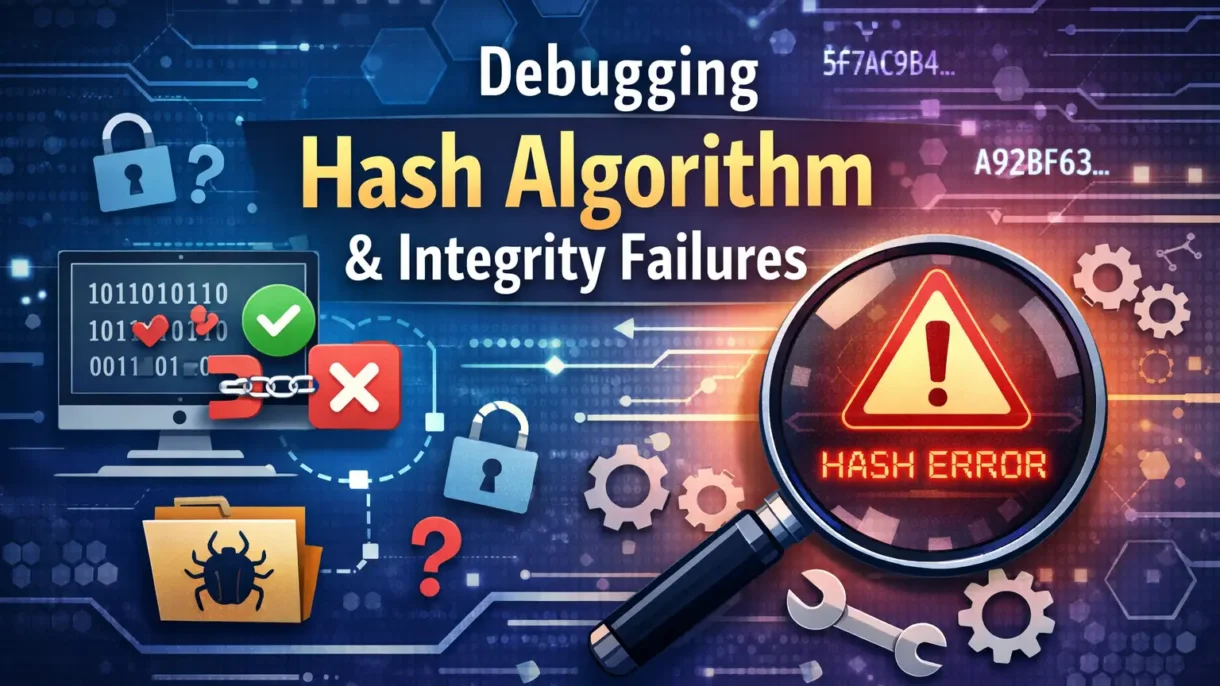
Hashing sounds complicated at first, but it really doesn’t have to be. A hash algorithm is simply a method that turns data into a fixed-length value, often called a hash. This hash helps us check whether data has changed or stayed the same. But sometimes things go wrong, and that’s when integrity failures show up. Read on to know more!
What Is a Hash Algorithm?
A hash algorithm is a process that takes data, such as a file, password, or message, and turns it into a fixed-length value called a hash. This hash looks like a long string of letters and numbers.
The important thing to know is this:
- The same data always creates the same hash
- Even a tiny change in the data creates a very different hash
Because of this behavior, hash algorithms are used to check data integrity, which is explained in the CCNA course.
What Is an Integrity Failure?
An integrity failure happens when the hash value you calculate does not match the expected hash value. This means the data is not exactly the same as it was before.
This can happen for many reasons. Although people often think it means hacking, that is not always true. In fact, most integrity failures happen because of small and simple mistakes.
Common Causes of Integrity Failures
Understanding the cause makes debugging much easier. Some common reasons include:
- The file was damaged during download
- The data was edited by mistake
- The wrong hash algorithm was used
- The file encoding changed
- A copy-and-paste error happened
Since hash algorithms are so sensitive, even one extra space or missing character is enough for the hash to cause a mismatch. Because of this, small details matter a lot.
Step 1: Check Which Hash Algorithm Is Being Used
The first thing you should do is confirm the hash algorithm. There are many types, such as MD5, SHA-1, and SHA-256. Even though they all create hashes, they do not work the same way.
If one system uses SHA-256 but another uses MD5, the hash will never match. Because of this, always make sure both sides are using the same hash algorithm.
This step alone fixes many integrity failures, thereby saving time and effort.
Step 2: Make Sure the Original Data Is the Same
Next, check whether the original data has changed. Sometimes files look the same but are not exactly identical.
For example:
- A text file may have different line breaks
- A file might not be downloaded completely.
- Additional characters might have been introduced.
Hashing depends on exact data, and therefore, even small differences will result in failure. Thus, if possible, re-download or re-copy the file and calculate the hash again.
Step 3: Recalculate the Hash Carefully
Now, calculate the hash again using the same tool and the same data. Be very careful during this step.
Make sure:
- You are hashing the correct file
- The file is complete
- The file format has not changed
Although this sounds simple, many errors happen right here because people accidentally hash the wrong file and/or version. Hence, double-check before moving forward.
Step 4: Check the Tools and System You Are Using
Different tools and systems may handle files differently. The hash algorithm, however, always works the same, but the way data is read can change.
For example:
- One system may treat text files differently
- File paths may be incorrect
- Permissions may block proper access
Due to this, try to use a trusted hashing tool. If possible, test the same file on a different computer. This helps confirm whether the problem is with the data or the environment.
Step 5: Watch Out for Human Errors
The issue is sometimes not technical at all. An integrity failure can be caused by a missing character, an extra space, or a typing issue.
For instance, when copying a hash value:
- You might overlook the first or last character
- You might add an extra space
- Sometimes the text may wrap to a new line
Final Thoughts
Hash algorithm and integrity failures may sound complex, but they are usually caused by small and fixable issues. Although hashes look technical, the idea behind them is quite simple: the same data should give the same result.
You can solve most problems easily by checking the hash algorithm, validating the data, rechecking thoroughly, and watching for human errors. So with both patience as well as attention to detail, debugging hash issues becomes a straightforward task rather than a stressful one.
FAQs
1. What is a hash algorithm used for?
A hash algorithm is used to check if data has changed or stayed the same. It helps keep files and information safe and trustworthy.
2. Why does a hash value not match sometimes?
A hash value may not match because the file changed, even slightly. This can happen due to download errors or wrong settings.
3. Is a hash mismatch always a security problem?
No, a hash mismatch is not always a security issue. It often happens because of simple mistakes like file changes or copy errors.
4. Can small changes really affect a hash?
Yes, even a tiny change like an extra space can change the hash completely. This is how a hash algorithm is designed to work.
5. How can I fix hash integrity failures?
You can fix them by checking the hash algorithm, verifying the file, and recalculating the hash carefully. Patience and accuracy help a lot.

PM Networking is an emerging leader in the ed-tech space, founded by Praphul Mishra in 2020 with a vision to democratize tech education. The journey of PM Networking began as a YouTube channel with the sole purpose of sharing valuable knowledge in the fields of Networking, Cyber Security, and Cloud Computing. What started as a humble effort to educate has rapidly evolved into a comprehensive online learning platform that caters to the growing demand for specialized IT skills. PM Networking stands out in the crowded ed-tech industry by providing affordable, world-class training tailored to the needs of aspiring IT professionals. The platform is dedicated to equipping learners with the skills and knowledge required to excel in the highly competitive tech industry. Whether it’s Networking fundamentals, advanced Cyber Security protocols, or mastering the complexities of Cloud Computing, PM Networking offers a range of courses designed to cater to different levels of expertise.
0 Comments